
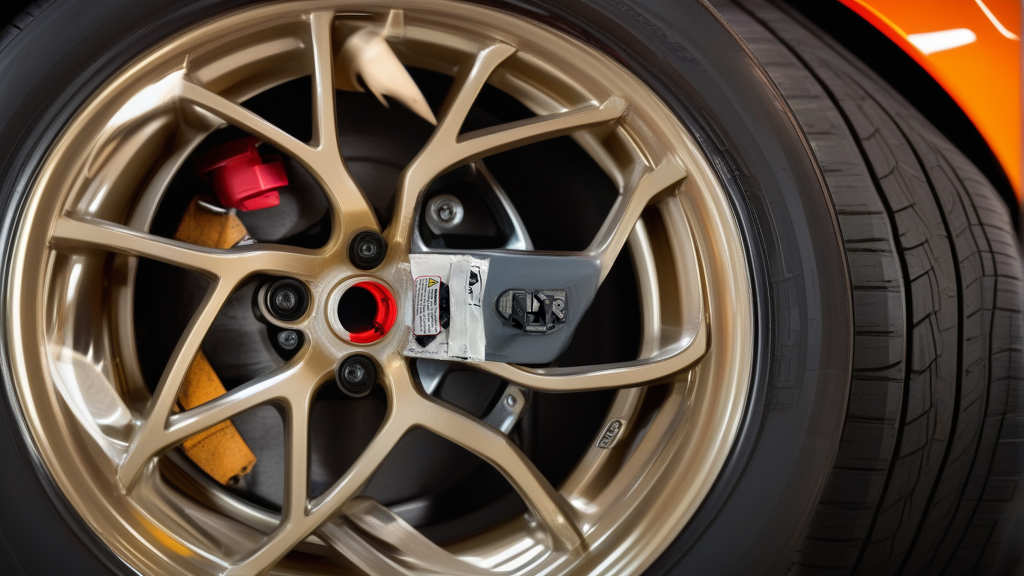
Understanding Tesla Model Y TPMS Relearn
The Tesla Model Y uses a direct TPMS system that reads pressure and temperature from sensors inside each tire. Unlike many other vehicles, Tesla does not require a manual relearn procedure via a scan tool or magnet. Instead, the Model Y relies on a rolling-code auto-relearn that activates when the car drives above a specific speed threshold.
If you’ve installed new sensors—whether OEM or compatible aftermarket units—the system will automatically recognize them after a short drive. No button pushing or OBD programming is needed.
Step-by-Step TPMS Relearn Procedure for Model Y
1. Install the New Sensors
- Mount the BH-Sens RDE255V26 or compatible sensor in the tire. Ensure the clamp-in design is torqued to the manufacturer’s spec (typically 35-40 in-lbs; check your valve stem kit).
- Reinstall the tire and inflate to the recommended pressure (42 psi cold for Model Y).
2. Reset the TPMS System (If Needed)
- On the center touchscreen, go to Controls > Service > Tire Pressure Monitor.
- Tap Reset TPMS or Learn. This clears old sensor IDs and tells the system to expect new signals.
3. Drive to Trigger Auto Relearn
- Drive the Model Y above 15 mph (25 km/h) for at least 2-3 minutes. The system will detect each sensor’s unique ID as the wheels rotate.
- The TPMS light on the dashboard should turn off within 5-10 minutes of driving. If it stays on, check that all sensors are transmitting (see troubleshooting below).
4. Verify Pressure Readings
- After the drive, check the TPMS display on the touchscreen. Each tire should show a live pressure reading. If one reads “—” or “0 psi,” that sensor was not recognized.
Comparison: Tesla Auto Relearn vs. Other Relearn Methods
| Relearn Type | Tesla Model Y | Typical Non-Tesla Vehicles |
|---|---|---|
| Auto Relearn | Yes (during drive above 15 mph) | Rare; requires specific conditions |
| OBD Relearn | Not required | Common (scan tool needed) |
| Stationary Relearn | Not supported | Uses magnet or deflation sequence |
| Tool Required | None | TPMS programming tool often needed |
Troubleshooting Common Issues
- TPMS light stays on after driving: Verify the sensors are pre-programmed for Tesla’s 2.4GHz frequency. The BH-Sens RDE255V26 is pre-programmed to match OE part numbers 149070101B, 149070100B, and 149070101C, so it should work without extra configuration.
- One tire shows no pressure: That sensor may have a weak battery or be damaged during installation. Check the valve stem for leaks and ensure the sensor is seated properly.
- Intermittent readings: Try a full TPMS reset via the touchscreen and repeat the drive cycle.
Recommended Part
For a reliable, direct-fit replacement on your Tesla Model Y, use the RDE255V26 | BH-Sens 2.4GHz TPMS Tire Pressure Sensor | Fits Tesla | OE# 149070101B, 149070100B, 149070101C. It is pre-programmed for 2.4GHz Tesla systems and requires no cloning or programming tool—just install, drive, and let the auto relearn do the rest.
FAQ
Can I use an OBD tool to force a TPMS relearn on a Model Y?
No. Tesla’s TPMS system does not support OBD-based relearn. The vehicle will only accept sensor IDs during the auto-relearn drive cycle. OBD tools are useful for diagnostics but not for programming new sensors.
How long does the auto relearn take on a Model Y?
Typically 2–5 minutes of driving above 15 mph. If you stop frequently or drive slowly, it may take longer. A steady highway speed is ideal.
Do I need to program BH-Sens sensors before installation?
No. The BH-Sens RDE255V26 is pre-programmed for Tesla’s 2.4GHz frequency and OE part numbers. It will transmit its ID automatically once the car detects it during the drive cycle.
What should I do if the TPMS light blinks after the drive?
A blinking light usually indicates a sensor fault or no signal. Double-check that the sensor is correctly installed and the battery is not dead. If the issue persists, remove the tire and inspect the sensor for damage.