
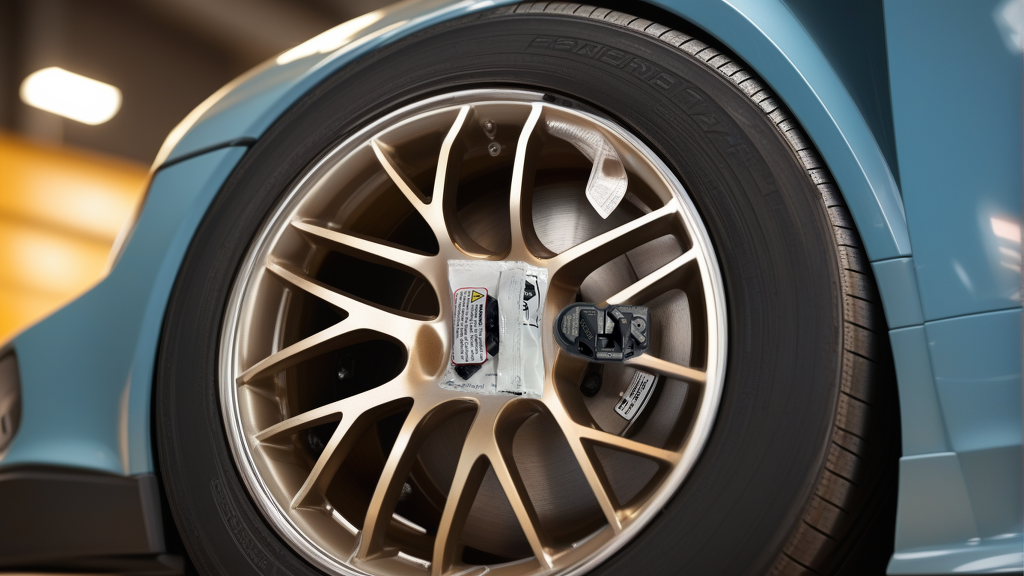
Why Tesla TPMS Fitment Requires Extra Attention
Tesla vehicles use a proprietary 2.4GHz TPMS protocol that differs from the common 315MHz or 433MHz systems found on most other cars. This means you cannot use a generic universal sensor — you need a Tesla-specific, pre-programmed unit like the RDE255V26 | BH-Sens 2.4GHz TPMS Tire Pressure Sensor | Fits Tesla | OE# 149070101B, 149070100B, 149070101C. The sensor is used across multiple Tesla platforms, but small hardware revisions (e.g., 149070100B vs. 149070101C) can affect pairing success with newer gateway modules.
Tesla Model & Year Coverage for the RDE255V26
The BH-Sens RDE255V26 is a clamp-in, pre-programmed sensor that replaces the following OE numbers: 149070100B, 149070100C, 149070100D, 149070100E, 149070101B, 149070101C, 149070101D, 149070101E. It is factory-programmed to match Tesla’s 2.4GHz frequency and ID structure, so no programming tool is needed before installation.
| Tesla Model | Compatible Years | Notes |
|---|---|---|
| Model S | 2012 – 2020 | Pre-2021 models; 2021+ use Bluetooth-based TPMS |
| Model X | 2015 – 2020 | Pre-2021 models; same protocol as Model S |
| Model 3 | 2017 – 2020 | Early production runs; 2021+ may differ |
| Model Y | 2020 – 2021 | First year models; later Ys moved to Bluetooth |
Important: Tesla transitioned to a Bluetooth Low Energy (BLE) TPMS system beginning around late 2020 for Model 3 and 2021 for Model S/X. The RDE255V26 will not work on vehicles with the BLE system. If your Tesla was manufactured after October 2020, verify the sensor type before purchase.
How to Verify Fitment Before Buying
Do not rely solely on model year — Tesla made running changes. Use these three methods:
- Check the OE Part Number on Your Current Sensor
Remove a wheel and look at the metal valve stem. The OE part number is laser-etched on the sensor body. If it matches any of the numbers listed above (149070100B through 149070101E), the RDE255V26 is a direct swap.
- Use a TPMS Scan Tool
Any shop with an Autel or Bartec tool can read your sensor’s FCC ID. Tesla-compatible 2.4GHz sensors typically have an FCC ID starting with “MRX” or “KG9.” The RDE255V26’s FCC ID is printed on the sensor packaging — compare it to your vehicle’s reading.
- Check Your Tesla’s Service Menu
On the center touchscreen, go to Service Mode (enter “Service” in the software menu) and look for TPMS status. If the displayed sensor IDs are 8-digit hex codes, you have the 2.4GHz system. If they show as 6-digit codes or “BLE,” you need the newer Bluetooth sensor.
Installation Notes
The RDE255V26 is pre-programmed, so it will automatically transmit the correct ID format once installed. Install it at 44-50 in-lb of torque (check your vehicle manual for the exact value) using a torque wrench. After installation, drive the Tesla above 15 mph for 2-5 minutes — the car will automatically synchronize with the new sensor. No TPMS relearn tool is required.
Recommended Part
For Tesla owners with 2012-2020 Model S/X or 2017-2021 Model 3/Y on the 2.4GHz system, the RDE255V26 | BH-Sens 2.4GHz TPMS Tire Pressure Sensor | Fits Tesla | OE# 149070101B, 149070100B, 149070101C offers a direct OE replacement at a fraction of dealer cost. Always confirm your sensor’s OE number before ordering.
FAQ
Will the RDE255V26 work on my 2022 Tesla Model Y?
No. 2022 Model Y uses Tesla’s Bluetooth TPMS system (BLE). The RDE255V26 is only compatible with 2.4GHz systems found on earlier models. Check your vehicle’s production date — if it’s after October 2020 for Model 3 or after 2021 for Model Y, you need the BLE sensor.
Do I need to reprogram the sensor before installation?
No. The RDE255V26 is pre-programmed with the correct Tesla 2.4GHz protocol. It is ready to install out of the box. However, if you are replacing only one sensor, the vehicle may take a few minutes of driving to learn the new ID — this is normal.
How do I know if my Tesla uses 2.4GHz or Bluetooth TPMS?
Check the touchscreen: go to Controls > Service > TPMS. If you see 8-digit hex IDs (e.g., “1A2B3C4D”), you have 2.4GHz. If you see simpler 6-digit codes or the system lists “BLE,” you have Bluetooth. Alternatively, look at the sensor valve stem — a metal stem usually indicates 2.4GHz; a black plastic stem often means BLE.
Can I use this sensor on a non-Tesla vehicle?
Technically yes, if the vehicle uses a 2.4GHz TPMS system (rare — most are 315MHz or 433MHz). But the sensor is specifically programmed to Tesla’s ID structure and frequency. For non-Tesla applications, you would need a programmable sensor and a TPMS tool to rewrite the ID. It is not recommended unless you have the equipment.