
Before You Start
Confirm the replacement sensor matches the vehicle by OE number and application—not frequency alone. Inflate all tires to the placard pressure, key on with the engine off, and have the VIN ready. You will need a TPMS-capable scan tool, an activation/trigger tool for stationary mode, and a tire pressure gauge or inflator.
Relearn Modes Compared
| Mode | Best for | Tools | What happens |
|---|---|---|---|
| Auto relearn | Sensors already accepted by the ECU | Vehicle, road test | ECU learns IDs during a specified drive cycle |
| OBD relearn | Sensor replacement, stubborn warning lights | TPMS-capable scan tool | IDs are written directly through the OBD port |
| Stationary relearn | Vehicles that require sensor triggering | Activation tool + scan tool | Each sensor is woken in order, then IDs are written |
On many GHIBLI models, OBD relearn is the dependable choice after sensor replacement. Auto relearn may work only when the ECU already accepts the sensor IDs.
Step-by-Step OBD Relearn
- Park safely, set all tire pressures, and keep the ignition on.
- Connect the scan tool and identify the vehicle by VIN.
- Open TPMS service functions and select sensor relearn/programming.
- Follow the tool’s trigger order—typically left front, right front, right rear, left rear.
- Write the sensor IDs to the ECU and clear TPMS faults.
- Key off, restart, and verify live pressures and no warning light.
- Drive as the scan tool or owner’s manual instructs, then recheck.
Auto Relearn and Stationary Relearn
Use auto relearn only when the manual allows it and the sensor IDs are already known to the ECU. Drive steadily at the speed and duration specified in the owner’s manual; if the light stays on, switch to OBD relearn.
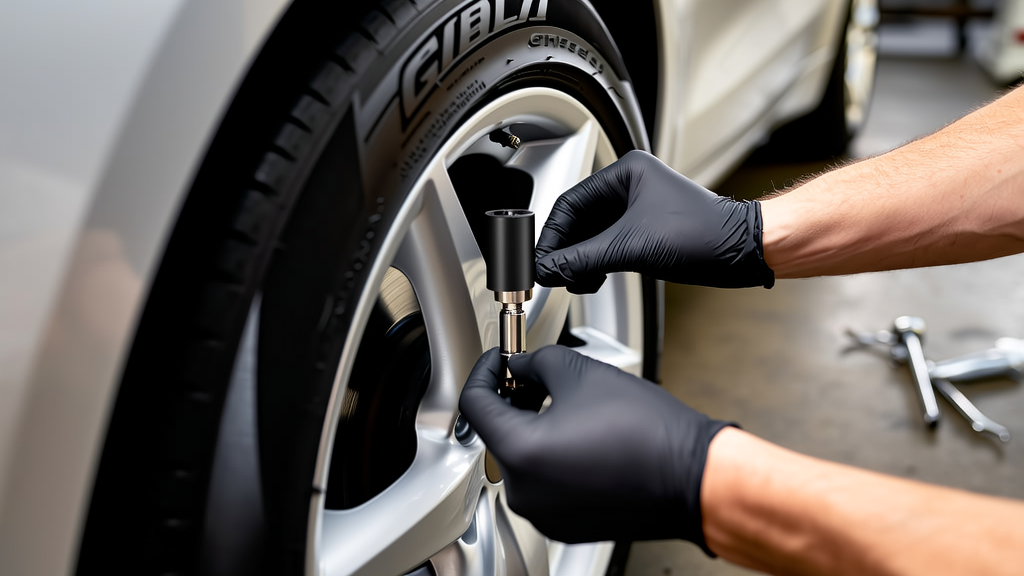
For stationary relearn, hold the activation tool at each valve stem until the vehicle confirms the sensor—often by a horn chirp or lamp flash—then complete the OBD write. If a sensor will not trigger, check frequency, protocol, sleep state, and position before condemning the tool.
A 433MHz clamp-in sensor is not automatically correct for every vehicle. For example, BL-ST-048 | BH-Sens 433MHz TPMS Tire Pressure Sensor | Fits Buick, Cadillac, Chevrolet, Nevo | OE# 13530661, 13533166, 13538565 is listed for Buick, Cadillac, Chevrolet, and Nevo applications with OE references such as 13530661, 13533166, and 13538565; verify the OE number against the vehicle before ordering.
Recommended Part
Recommended Part: BL-ST-048 | BH-Sens 433MHz TPMS Tire Pressure Sensor | Fits Buick, Cadillac, Chevrolet, Nevo | OE# 13530661, 13533166, 13538565 — BH-Sens 433MHz pre-programmed clamp-in TPMS sensor for the listed GM fitments; confirm OE number and VIN compatibility before purchase.
FAQ
Do I need a scan tool to relearn TPMS on a Ghibli?
Most sensor replacements need a TPMS-capable scan tool or OBD relearn. Auto relearn may work in limited cases, but OBD is the safer path when the warning light persists.
Can I just drive to relearn a new TPMS sensor?
Sometimes. If the vehicle supports auto relearn and the sensor IDs are accepted, follow the manual’s drive cycle. If the light does not clear, complete an OBD or stationary relearn.
Why won’t my new TPMS sensor trigger?
Common causes are wrong frequency or protocol, incorrect OE application, a sleeping sensor, wrong trigger order, or a damaged sensor. Recheck the part number and scan tool procedure first.
Is 433MHz enough to match a TPMS sensor?
No. Frequency is only one spec. Protocol, OE number, clamp style, and vehicle application must also match.