
Understanding TPMS Relearn on Geelygalaxy
Geelygalaxy vehicles, including popular models like the Galaxy E5, Galaxy L7, and Galaxy E8, use direct TPMS sensors operating at 433MHz. After replacing a sensor, rotating tires, or swapping wheels, the ECU needs to learn the unique ID of each sensor and its position on the vehicle. Without a proper relearn, the TPMS warning light will stay on, and you’ll lose tire pressure monitoring.
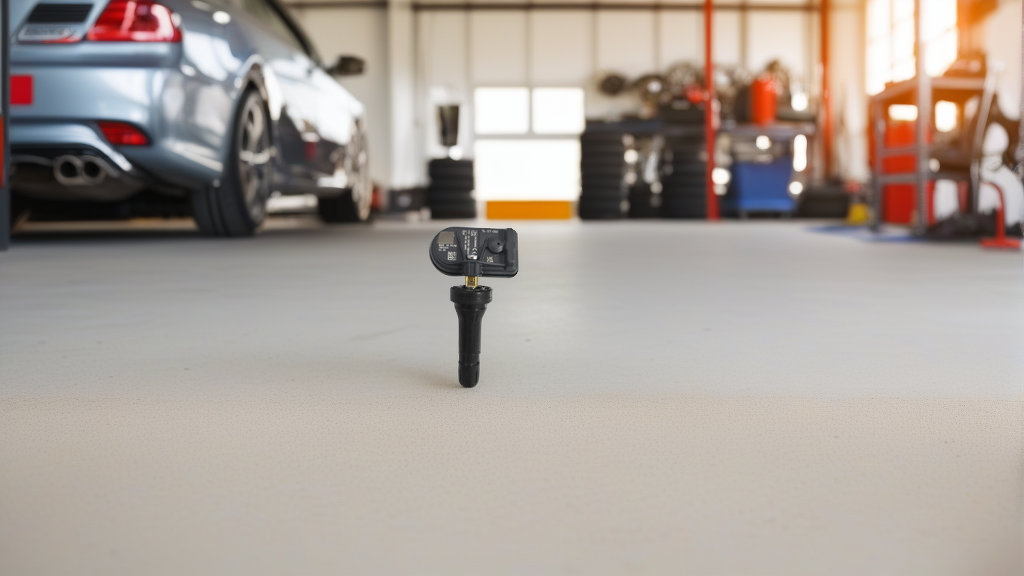
The good news: pre-programmed sensors like the BL-ST-050 | BH-Sens 433MHz TPMS Tire Pressure Sensor are already matched to Geelygalaxy’s system, so you can skip the sensor programming step and go straight to the relearn procedure. This sensor fits 13 specific OE fitments for Geelygalaxy, Lynk&Co, and Zeekr, using OE# 6608082005 and 8894215959.
TPMS Relearn Methods for Geelygalaxy
There are three methods to complete the relearn process. Choose based on your tools and vehicle model year.
1. Auto Relearn (Drive-Learn)
Best for: Geelygalaxy models 2020 and older, or when you don’t have a TPMS tool.
Procedure:
- Inflate all tires to the recommended pressure (check driver’s door sticker).
- Drive the vehicle above 25 mph (40 km/h) for 10–15 continuous minutes.
- The ECU automatically detects each sensor’s ID as the car moves.
- The TPMS light should turn off after the drive cycle. If it stays on, try a longer drive or switch to OBD relearn.
Limitations: Auto relearn may fail if you’ve replaced sensors with non-OE IDs, or if the vehicle has a newer TPMS module that requires explicit registration.
2. OBD Relearn (Most Reliable)
Best for: All Geelygalaxy models, especially 2021+ with updated TPMS controllers.
Tools needed: Any OBD-compatible TPMS tool that supports Geelygalaxy protocols (Autel TS508/TS608, Bartec Tech400, or ATEQ VT56).
Step-by-step:
- Connect the TPMS tool to the OBD2 port (under the dashboard, driver side).
- Turn the ignition ON (engine off or running, depending on tool instructions).
- On the tool, select “Geelygalaxy” → “TPMS Relearn” → “OBD Relearn.”
- Follow the on-screen prompts. The tool will trigger each sensor in order (LF, RF, RR, LR).
- Walk around the vehicle with the tool near each tire valve stem when prompted.
- After all four sensors are read, the tool sends the ID data to the ECU.
- The tool will confirm “Relearn Successful.” Turn off ignition, then start the engine — the TPMS light should be off.
Note: Some Geelygalaxy models require a “Stationary Relearn” sub-option within OBD mode. The tool will guide you.
3. Stationary Relearn (Magnetic Trigger)
Best for: Older Geelygalaxy models (2015–2019) that support this method.
Tools needed: A strong magnet (or a dedicated TPMS trigger tool) placed at the valve stem.
Procedure:
- Turn ignition ON (engine off).
- On the TPMS tool or using the vehicle’s menu, enter “Stationary Relearn” mode (check your owner’s manual for button combo — often holding the TPMS reset button for 3 seconds).
- The horn will beep once to indicate the system is in learn mode, starting with the left front tire.
- Place the magnet (or trigger tool) against the valve stem of the left front tire for 3–5 seconds. The horn will beep once to confirm.
- Repeat for right front, right rear, and left rear in that order.
- After the last sensor (left rear), the horn will beep twice to confirm completion.
- Turn off ignition, then restart — the TPMS light should be gone.
Geelygalaxy TPMS Sensor Fitment Reference
| Model | Year Range | Sensor Frequency | OE Number | Compatible Sensor |
|---|---|---|---|---|
| Galaxy E5 | 2023–2025 | 433MHz | 6608082005 | BL-ST-050 |
| Galaxy L7 | 2022–2025 | 433MHz | 6608082005 | BL-ST-050 |
| Galaxy E8 | 2024–2025 | 433MHz | 8894215959 | BL-ST-050 |
| Lynk&Co 01/02/03 | 2020–2025 | 433MHz | 6608082005 | BL-ST-050 |
| Zeekr 001/009 | 2022–2025 | 433MHz | 8894215959 | BL-ST-050 |
Always verify your specific vehicle’s year and trim before purchasing. The BL-ST-050 covers 13 OE fitments total.
Recommended Part
For a hassle-free replacement, use the BL-ST-050 | BH-Sens 433MHz TPMS Tire Pressure Sensor | Fits Geelygalaxy, Lynk&Co, Zeekr | OE# 6608082005, 8894215959. This sensor is pre-programmed with Geelygalaxy-compatible IDs, meaning no additional programming tool is needed — just install and perform the relearn. It’s a clamp-in design with a factory-grade seal, suitable for both original and aftermarket wheels.
FAQ
Can I reset the TPMS on my Geelygalaxy without a tool?
Yes, you can attempt the auto relearn method by driving above 25 mph for 10–15 minutes. However, this only works if the sensors are already communicating with the ECU. If you’ve replaced sensors or the battery has been disconnected, you’ll likely need an OBD tool or the stationary magnet method.
Why is my TPMS light still on after the relearn?
Common causes include: a sensor with a dead battery, incorrect sensor frequency (433MHz is required for Geelygalaxy), a sensor not properly seated in the wheel, or a faulty TPMS module. Also ensure you performed the correct relearn sequence — some newer models require the OBD method exclusively.
Do I need to program the sensors before installation?
If you use a pre-programmed sensor like the BL-ST-050, no programming is needed — it comes ready to pair with your Geelygalaxy. Clone-type sensors (copied from your old sensors) also skip programming. Only universal sensors require a separate programming step using a TPMS tool.
How long does a TPMS sensor battery last on Geelygalaxy?
Typical battery life is 5–7 years. After that, the sensor stops transmitting, and the TPMS light will stay on. Replacement is straightforward with clamp-in sensors — just mount the new sensor, install it in the wheel, and perform a relearn.